
November 25, 2026
Intel Arc drivers have improved enormously since the A770 launched, but the install path is still less forgiving than NVIDIA’s or AMD’s. When an Arc card misbehaves after an update, the fix that actually holds is a full clean install, not another overlay on top of the old stack. We do this on every Arc […]
November 20, 2026
A missing Realtek card reader driver is almost never a Realtek problem. It’s a laptop problem, or a motherboard problem, and you fix it at the source. Here’s the short verdict before the reasoning: go to your laptop or motherboard maker’s support page first, match the exact model, and use the card reader package listed […]
November 3, 2026
Windows will win this fight unless you change the rules. A Realtek audio driver that keeps reinstalling itself after every reboot or Windows Update cycle is not a bug you can patch by clicking “update driver” harder; it is Windows treating a specific driver package as the recommended match for your hardware ID, then quietly […]
October 7, 2026
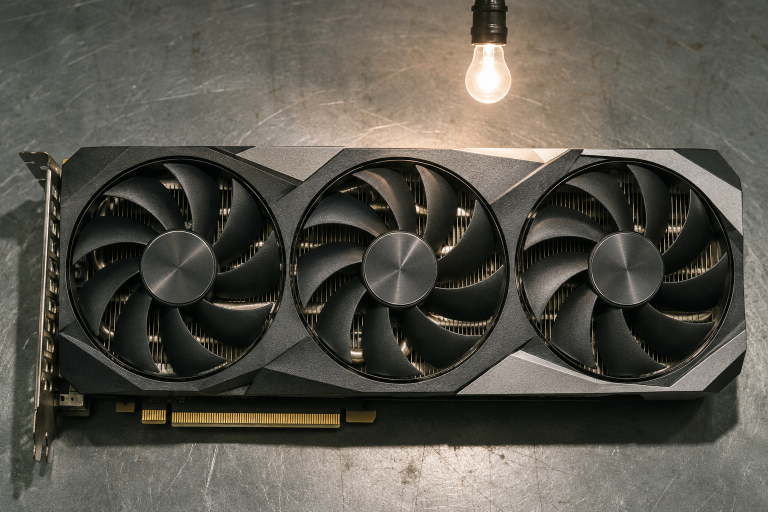
A new GPU driver lands, the release notes promise a fix for the exact game that’s been stuttering, and you click Install. Two hours later you’re staring at a black screen or a benchmark score that dropped 15 percent. The smart move isn’t to avoid updates. It’s to install them like you expect to undo […]
October 6, 2026
That old USB scanner. The no-name Wi-Fi card you pulled from a dead prebuilt. The capture card that shows up in Device Manager as “Unknown Device” with a hardware ID that looks like a serial number run through a blender. Finding drivers for hardware like this is a different job than grabbing the latest GeForce […]
October 5, 2026
Your GPU driver gets all the attention. It has a control panel, a fancy updater, and a whole community arguing about which version broke which game. The chipset driver sitting underneath it gets none of that. And yet on a modern Windows box, it quietly decides how your SSD talks to the CPU, how many […]
October 4, 2026
Scanners are the hardware equivalent of a quiet houseguest. They sit unused for months, then you need one document digitized and Windows suddenly has no idea what this box plugged into USB is supposed to be. The fix is rarely mysterious. It is almost always about getting the right driver installed the right way, because […]
October 3, 2026
The moment you click “Express Installation” in the NVIDIA installer, you hand over your machine. GeForce Experience wants to sit in your tray, phone home for telemetry, and start nagging about game-ready profiles you never asked for. AMD’s Adrenalin is friendlier but no saint. The driver itself is the only part you actually need. Everything […]
October 3, 2026
A game that ran fine last week now stutters. Or the screen goes black for two seconds mid-match. You update the driver, nothing changes, maybe it gets worse. That is the moment DDU (Display Driver Uninstaller) belongs on your USB stick. DDU is a free tool from Wagnardsoft that strips every trace of a graphics […]
October 2, 2026
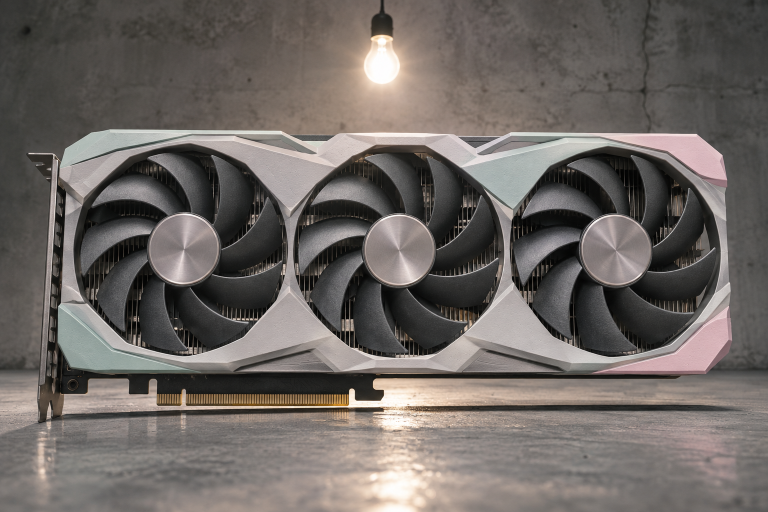
You installed a new GPU driver, rebooted, and now the screen flickers, a game crashes on launch, or Device Manager shows a yellow exclamation mark next to your adapter. The fix is usually the same one most people forget exists: put the old driver back. Windows keeps the previous version around for exactly this reason, […]