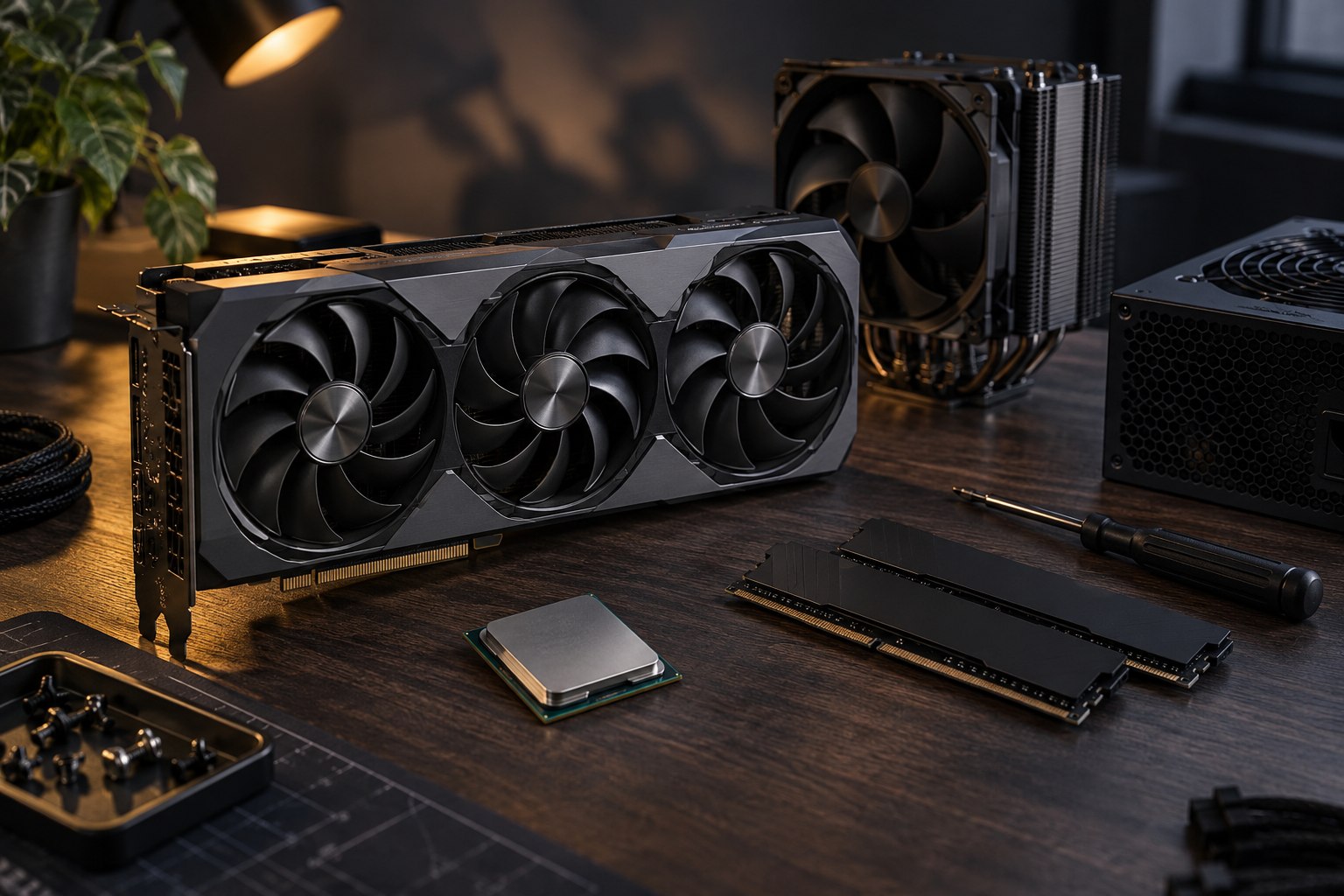
 Featured
GPU Installation
How to Install a New Graphics Card: Complete Guide
Step-by-step instructions for safely installing and configuring a new GPU, including driver installation and BIOS settings.
◷ 15 min read◉ 24.5k views
Step-by-step tutorials for updating drivers, troubleshooting hardware, and keeping your PC running at peak performance.
All downloads scanned
NVIDIA Graphics Driver 560.94
Browse by hardware type or manufacturer to find the exact driver you need.
FeaturedStep-by-step instructions for safely installing and configuring a new GPU, including driver installation and BIOS settings.
Troubleshoot and resolve driver issues caused by system updates.
Step-by-step guide to fixing wireless connectivity issues.
Common fixes for audio problems after installing new drivers.
Use our guides to find your exact hardware model and current driver version through Device Manager or system information tools.
We link directly to manufacturer websites. Never download drivers from unknown third-party sources to avoid malware.
Follow our step-by-step installation guides and verify the driver is working correctly using Device Manager.
Always create a system restore point before installing new drivers. This allows you to easily roll back if something goes wrong. Our tutorials include restore point instructions.
November 4, 2026
Install it if you are chasing a specific FSR bug or playing one of the newly supported titles; skip it if your current setup is stable and you rely on HYPR-RX on an older card. That is the short version. The longer version matters because Adrenalin 25.5.1 is a smaller release than the version number […]
November 3, 2026
Windows will win this fight unless you change the rules. A Realtek audio driver that keeps reinstalling itself after every reboot or Windows Update cycle is not a bug you can patch by clicking “update driver” harder; it is Windows treating a specific driver package as the recommended match for your hardware ID, then quietly […]
October 28, 2026
If you are on an RTX card and still running GeForce Experience, the NVIDIA App is the one to install now; GeForce Experience still works, but it is being walked out the door and you will feel it sooner or later. We have moved enough machines between the two to know where the friction lives. […]