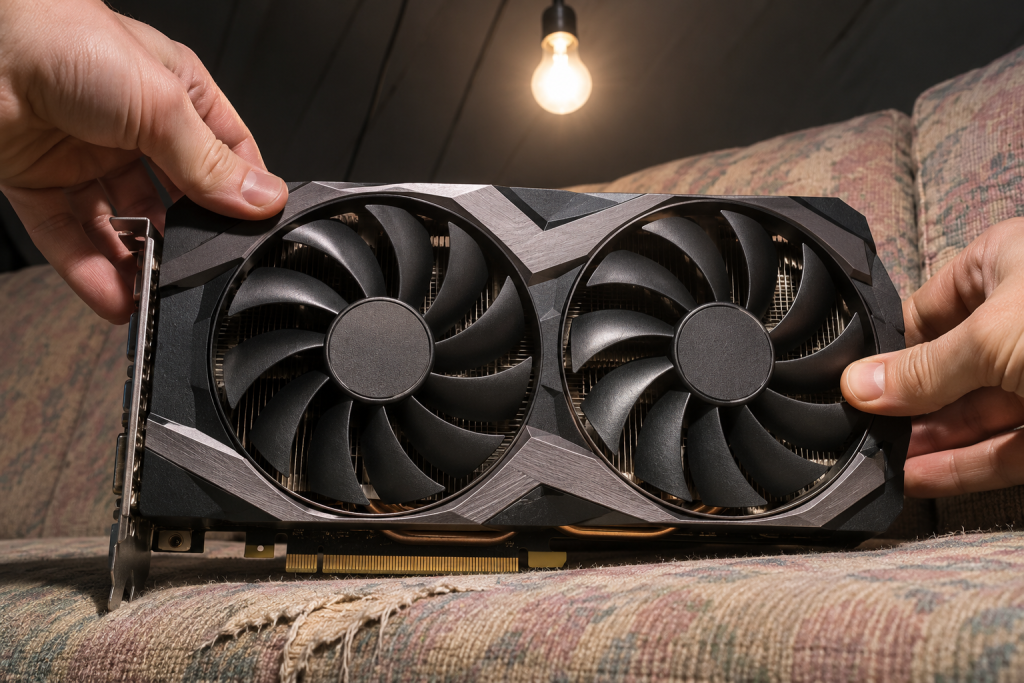
The 576.02 package is worth installing if you own an RTX 50 series card, and mostly skippable if you don’t. That is the short version. We’ve spent enough time cleaning up unstable driver stacks on Blackwell hardware to be blunt about it: early RTX 50 owners need whatever fixes NVIDIA is shipping, and everyone on an RTX 30 or 40 card should read the notes before touching anything.
Here is the reasoning, plus what to actually do on each side of that line.
Why the RTX 50 crowd should take this one
New architectures launch with driver roulette. Crashes, blank screens after wake, and the occasional hard lock in-game are the usual suspects on a first-generation card, and 576.02 is one of those releases whose main job is to steady the platform rather than add features. If you’re running a 50 series card and hitting instability, this is the branch to be on.
There’s a caveat we want to be explicit about. A driver update that lands on top of a messy previous install will inherit the mess. If the old driver left supporting components active in the OS, they can cause conflicts, failed installs, or instability when you upgrade, which is exactly what DDU is built to clean out. So on a fresh RTX 50 build, or on a card that’s been crashing since day one, we don’t trust a plain over-the-top update. We strip it first.
Clean install order for a 50 series card
Do this once, properly, and you stop guessing whether the driver is at fault for months.
- Download the 576.02 package from NVIDIA’s site first. Do this before you go offline, because you will be offline.
- Grab DDU from Wagnardsoft and extract it. Run it in Safe Mode so no driver files are locked in use.
- Disconnect from the internet. This stops Windows Update from quietly pushing its own older driver mid-install.
- Run DDU, pick GPU as the device type and NVIDIA as the vendor, then hit Clean and restart. The low-res screen afterward is normal.
- Still offline, run the installer. Choose Custom and tick Clean installation, and untick the components you don’t use (the telemetry-free parts, the audio driver if you route sound elsewhere).
- Reboot, then reconnect.
Then redo your tuning: NVIDIA Control Panel settings, G-Sync, any Afterburner undervolt or overclock profile. A clean install resets all of it. Forgetting this step is how people conclude a driver “broke my performance” when they actually just lost their power curve.
The usual rule of thumb applies. If you’re on a routine update with no symptoms, a normal install is fine and you can skip all of this. On a new architecture, we don’t skip it.
Why older cards can sit this one out
None of the headline fixes in a rollout aimed at 50 series stability are aimed at your 3080. If your card is stable, your games run, and you haven’t hit a reproducible bug, there is no performance fairy waiting for you in a driver whose changelog is dominated by a different generation of silicon. That isn’t cynicism. It’s how these release notes usually break down.
There’s real risk on the other side of the decision too. A driver update can drop performance or introduce glitches even on hardware that was working fine, and when it does, you’re now doing a rollback instead of playing. Research a new version before installing when the hardware in question is critical to your work, which a workstation GPU usually is.
When an older card should still update
Three exceptions. If a game you’re playing has a known issue fixed in this branch, take it. If 576.02 adds a feature you specifically need, take it. And if your card has been misbehaving in a way that started near a previous driver update, the answer isn’t necessarily this driver, it’s a clean reinstall of whatever version you settle on.
That last point matters. Driver problems survive driver updates. They don’t survive DDU. So if your 4070 has been stuttering since some earlier release, updating to 576.02 over the top won’t fix it. The leftovers will follow you. Strip it, then install.
If you update and it goes wrong
We’d rather you have the exit ready before you need it. Before installing anything, create a system restore point. Standard user accounts can’t touch driver settings anyway, so make sure you’re on an administrator account.
If the new driver causes crashes, artifacts, or a performance drop that clearly started with the update, roll back. The Windows rollback option only exists if a previous version was installed before, so if it’s greyed out, you’ll need to download the older package from NVIDIA directly and install it over the top, or clean-install it with DDU for a guaranteed result. Then verify in Device Manager that the version actually changed, and test the card under load before you trust it.
One more thing on Windows Update. It has a poor track record with GPU drivers, sometimes installing a build several releases behind what NVIDIA offers. If it keeps fighting you, block it from touching the GPU driver rather than letting it reinstall an old package over your working one. And if this is a laptop, be careful with cleanup tools: DDU now preserves manufacturer-specific extensions on some platforms by default, because removing them can stop the GPU from starting at all.
Our call for the fence-sitters
On RTX 50: install 576.02, clean, and redo your profiles. On RTX 40 and 30: leave it unless a fix in the notes is aimed at you or you have a real symptom to chase. On anything older: do nothing, and keep a record of the version that’s currently working, because that number becomes your escape hatch the first time an update misbehaves. Driver management is maintenance, not a hobby; the least interesting version is usually the right one to stay on.